
Photo editing
Save and share
Watch the steps
Choose a timestamp to jump to a step. Use fullscreen for a closer look.
How to use it
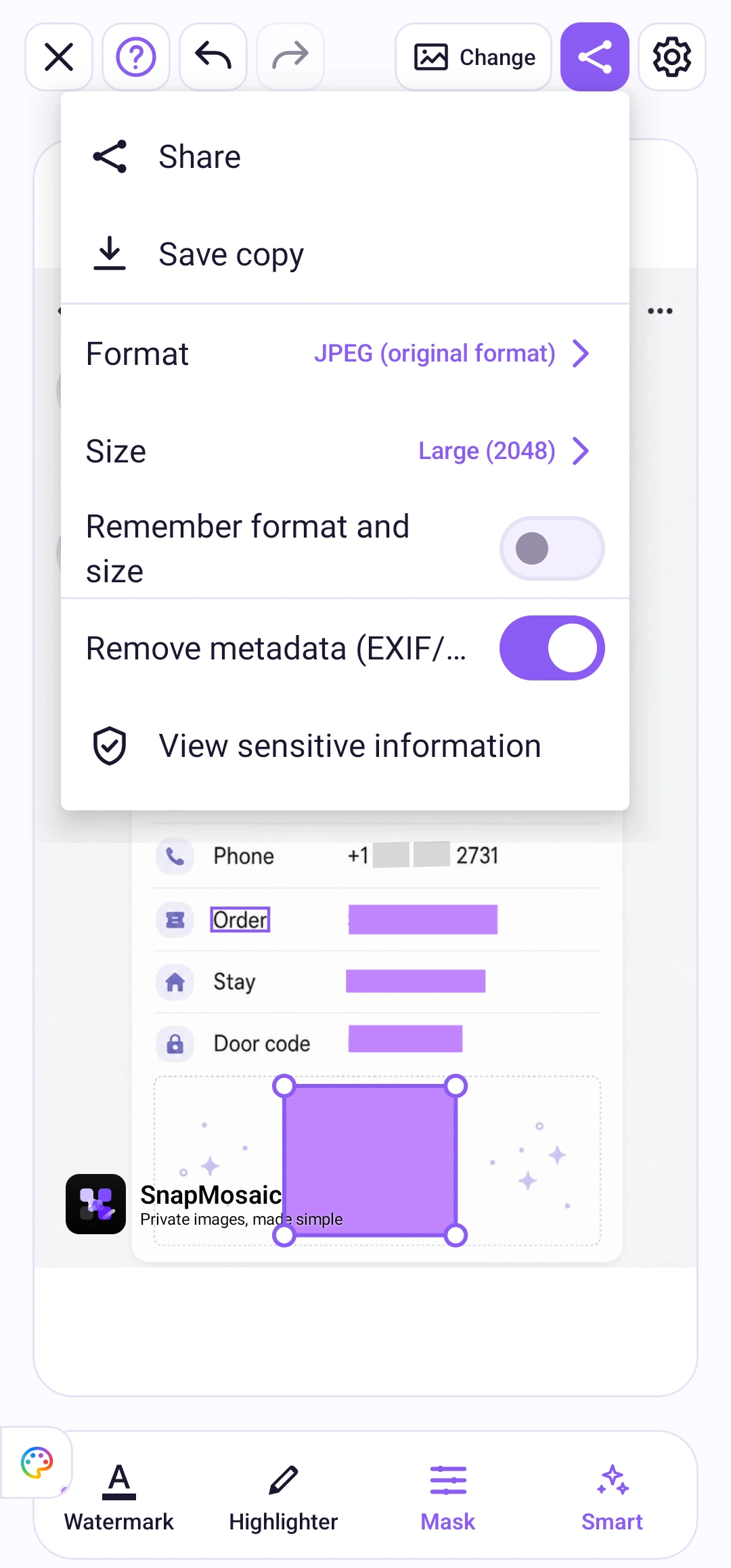
Tap the share icon in the top toolbar. Choose JPEG, PNG, or WebP and an output size. Enable “Remove metadata (EXIF/GPS)” if you want to remove those details from the exported file.
Output options
Choose the original size or a 2048, 1280, or 720 size preset. Turn on “Remember format and size” to reuse your choices for new photos and after reopening the app. This option is off by default.
With multiple photos open, choose the current photo or the whole group. The default is the current photo. Review every photo before exporting the group.
Removing metadata clears file information such as GPS location. It does not cover an address or other text visible in the image; mask those details separately.
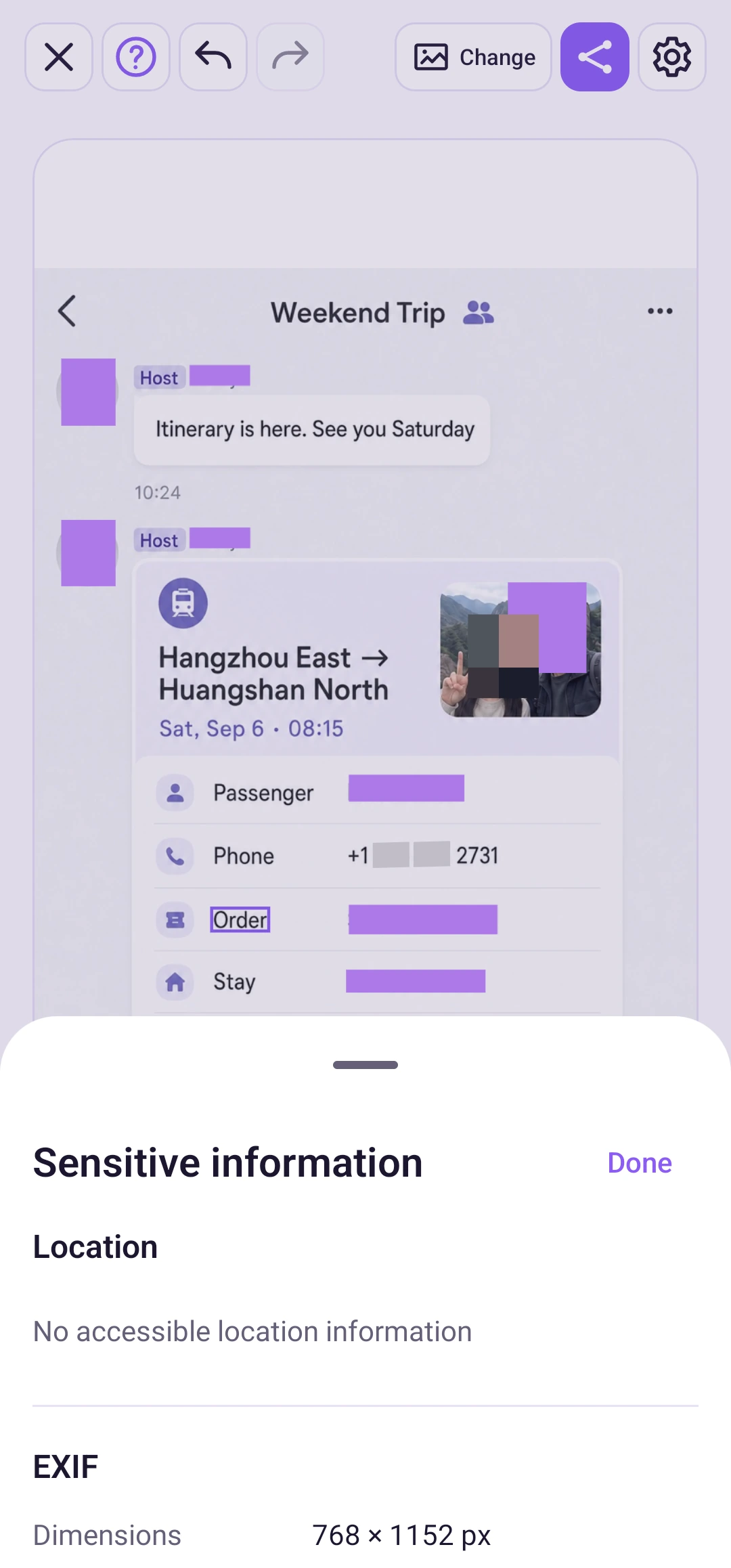
In the export menu, choose “View sensitive info” to inspect location and EXIF details read from the original image, such as camera and capture time. Some images contain no such data.