
Settings
Detection help and settings
Check text, face and code detection, or change your app preferences.
Watch the steps
Choose a timestamp to jump to a step. Use fullscreen for a closer look.
How to use it
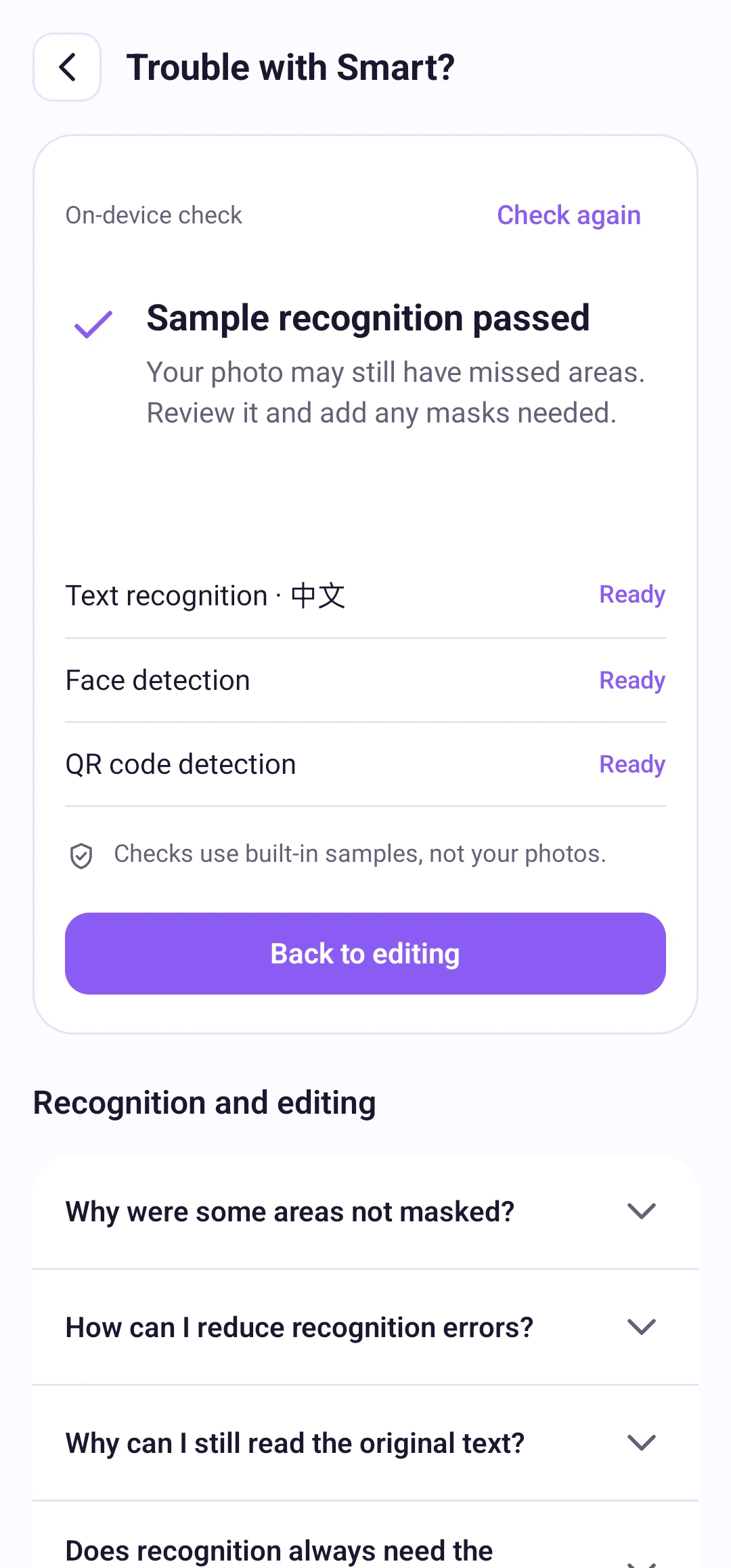
Open the question-mark menu → Detection help. The check uses built-in samples, without reading your photos. If resources are missing, tap the download action. Available models can work offline; a successful check cannot guarantee every photo will be detected correctly.
Text recognition follows the app language. Thai and Urdu text recognition are currently unavailable; face and code detection work independently. Change the app language in Settings. Tool effects and adjustments are remembered for later photos.
For a problem, open Settings → Report a problem. Review the prepared diagnostic report in your mail app or share sheet before sending. SnapMosaic does not send it automatically.
In Settings, tap the version row to check for updates or open Google Play when an update is available. A red dot can also indicate a new feature; open Settings to see which item needs attention.