
Photo editing
Face stickers and text watermarks
Cover a face with an emoji, or add a repeating note about how an image may be used.
Watch the steps
Choose a timestamp to jump to a step. Use fullscreen for a closer look.
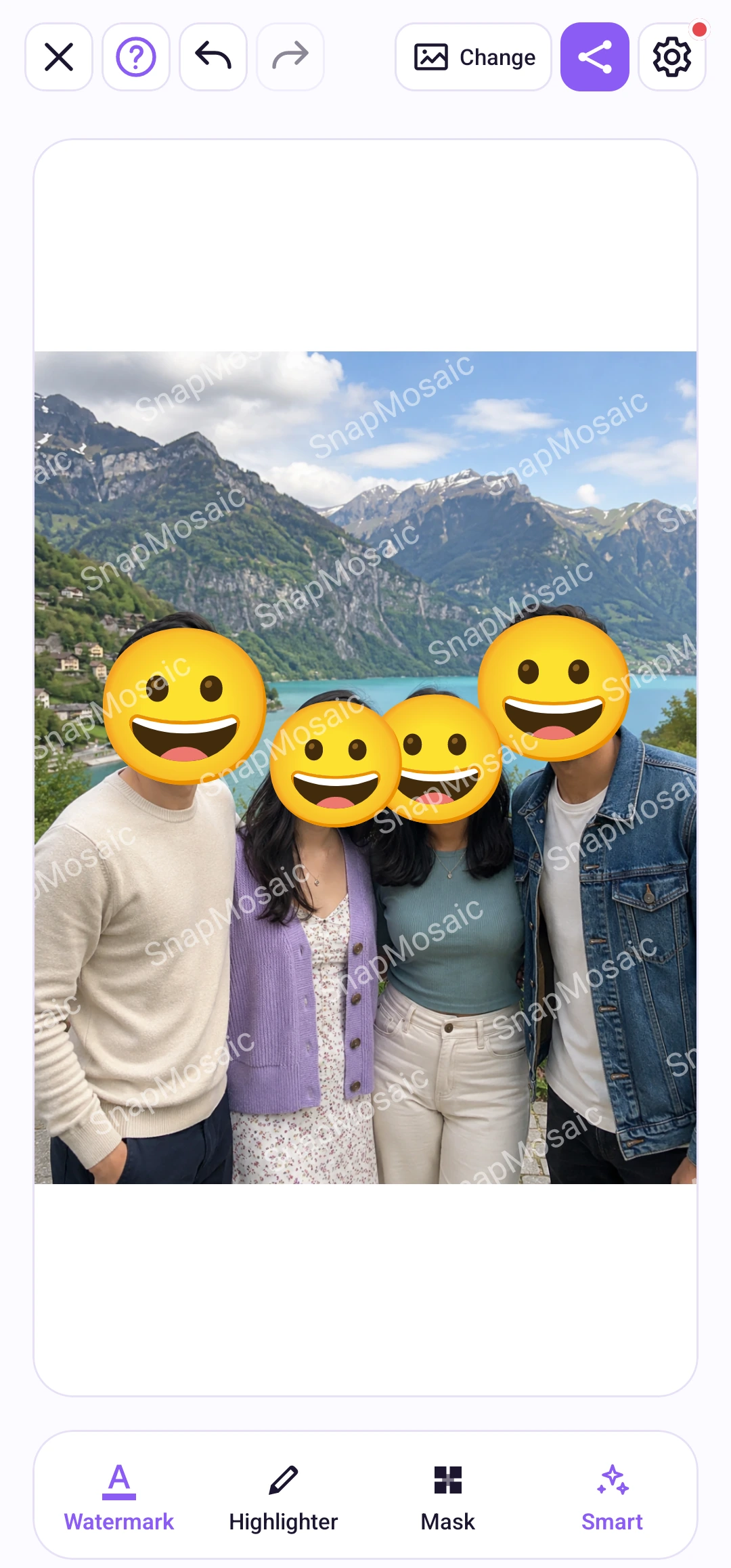
Face sticker
Open Mask and enable face stickers, then tap a detected face to choose an emoji. Clear removes the sticker from that face. The switch applies across the photo group and is remembered next time.
Cover detected faces with emoji stickers. Choose a different expression for each face and keep the mood of a group photo.
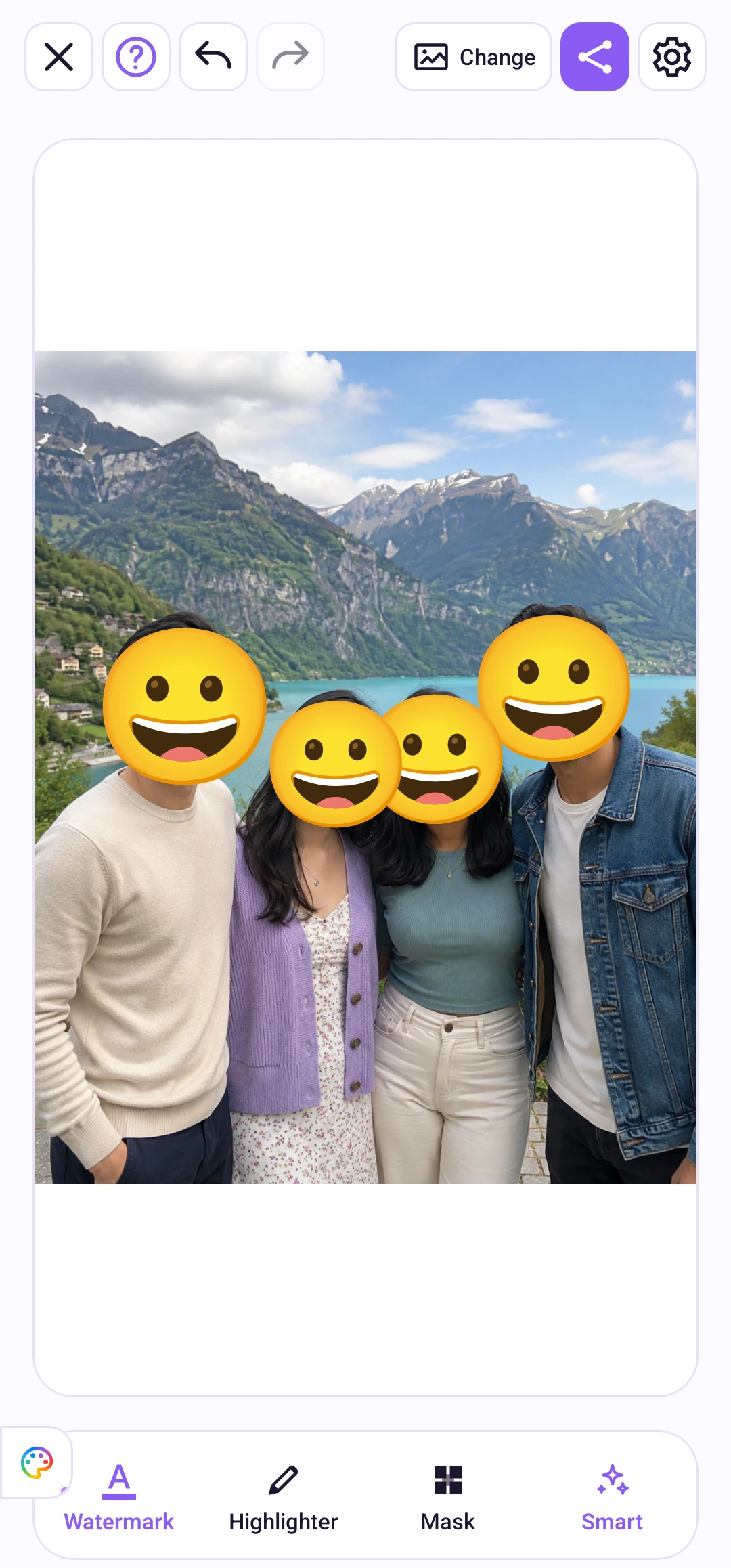
Watermark
Open Watermark in the bottom toolbar, enter your text, then enable it. Adjust the appearance in the live preview. The text watermark belongs to the current photo and is included in saved and shared copies.
Place a repeating text watermark across your image to state its purpose or intended use. Customize the text, color, opacity, size, angle and spacing.